
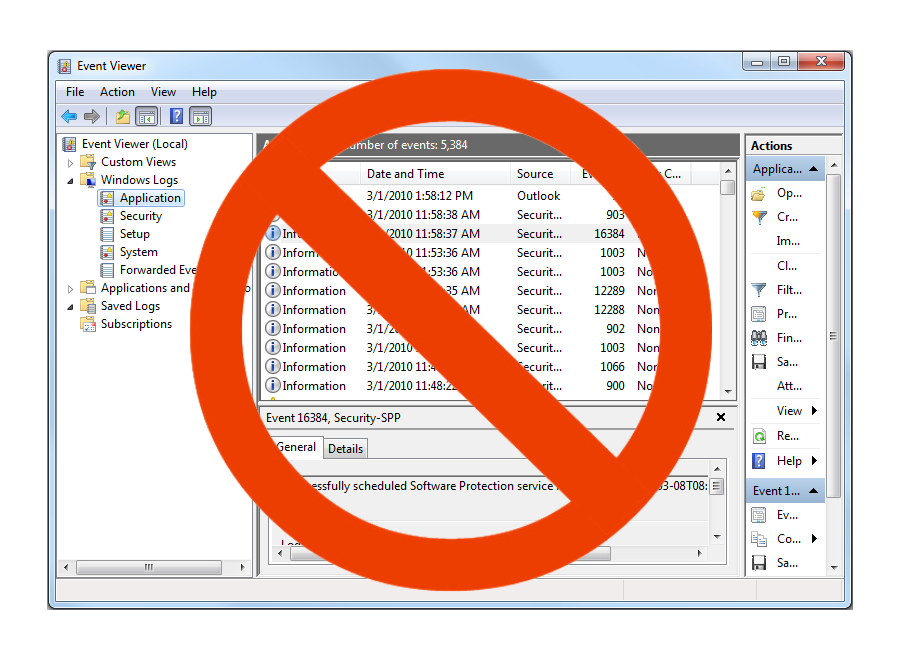
5 Signs You've Outgrown Windows Event Viewer: Find out now.
📖 Table of Contents
📌 The Short Answer
❓ The question readers are asking: "Have I outgrown Windows Event Viewer?"
✅ The direct answer: If you manage more than 5-10 Windows servers, the answer is almost certainly yes. Event Viewer was built for single-server troubleshooting, not multi-server security, compliance, or performance monitoring.
🎯 The solution: EventGuard replaces Event Viewer with centralized Windows log management. No RDP'ing into every server. No missing logs. No manual hunting. See how →
🖥️🔁🖥️ Sign 1: You're RDP'ing into every server
When you need to investigate an issue, do you find yourself logging into server after server? If you're spending more time connecting to machines than actually solving problems, you've hit a breaking point.
The math: 50 servers × 2 minutes per login = 100 minutes before you even start searching. Every single time.
EventGuard solves this: All logs are centralized in one dashboard. Search once. Get answers immediately. No RDP required.
📋❌🔍 Sign 2: You can't find what you're looking for
Event Viewer's filtering is basic. Need to find all failed logins across your domain controllers from the last 7 days? Good luck. You'll be clicking through menus and exporting CSVs manually.
The cost: Hours of manual hunting instead of seconds of searching.
EventGuard solves this: Powerful search across all servers. Find failed logins, specific event IDs, or custom patterns in seconds.
⏰📋💀 Sign 3: Your logs are gone when you need them
Event Viewer's default retention is about 30 days. By the time you discover a breach or need logs for an audit, critical evidence may already be overwritten.
The risk: Compliance failures, security gaps, and audit findings.
EventGuard solves this: Retain logs for 13+ months (NIST compliant). Never lose critical evidence again.
⚠️🔇🙉 Sign 4: You find out about problems from users
Event Viewer has no monitoring. You won't know about failed logon spikes, account lockouts, or service crashes until someone complains. By then, damage may already be done.
The reality: You're always reacting, never proactively monitoring.
EventGuard solves this: Live-tailing with 60-second refresh — watch logs stream in real-time. Know what's happening across your infrastructure right now.
📋👥🤝 Sign 5: Your team can't collaborate on logs
Only local admins can see Event Viewer logs. Your helpdesk can't check lockout events. Your security team can't investigate without server access. Your auditors need manual screenshots.
The bottleneck: You become the only person who can access logs.
EventGuard solves this: Role-based access control (RBAC). Give your helpdesk read-only access. Give security full investigation rights. Give auditors export permissions. No local admin required.
⚠️ If you checked 2 or more of these boxes, you've outgrown Event Viewer
You're not alone. Most IT teams hit this breaking point between 5 and 20 Windows servers. Event Viewer simply wasn't built for scale.
📊 Event Viewer vs. EventGuard: The Reality Check
❓ Frequently Asked Questions
Is EventGuard free like Event Viewer?
EventGuard is a commercial product with flat rate pricing. While Event Viewer is free, the hidden costs — wasted staff time, missed security incidents, compliance failures — often exceed the cost of a proper tool.
How hard is it to migrate from Event Viewer to EventGuard?
You don't need to migrate anything. EventGuard agents start collecting new logs immediately. Your old Event Viewer logs remain on each machine. You can run both in parallel during evaluation.
Can my helpdesk use EventGuard without training?
Yes. The dashboard is intuitive. If they can use Google, they can use EventGuard. No SPL or query language to learn.
Does EventGuard have real-time monitoring?
Yes — live-tailing with 60-second refresh. Watch logs stream in from all your servers in near real-time. No more waiting for users to report problems.
Was this article helpful?
(Your feedback helps us improve our content)
🔗 Related resources:
- EventGuard features overview
- EventGuard vs Event Viewer comparison
- Flat rate licensing — no hidden fees
- Start your free trial — no credit card required
- About EventGuard — Built by SysAdmins
- Meet the EventGuard Team
🌐 External resource: Microsoft Event Log documentation
✅ Next Steps
- Try EventGuard free — Start your free trial and see the difference centralized logging makes
- Deploy in under 5 minutes — Install the agent, start sending logs, and use live-tailing to monitor your infrastructure
- Contact sales for a centralized logging assessment – Flat rate license. No hidden complexity.